About
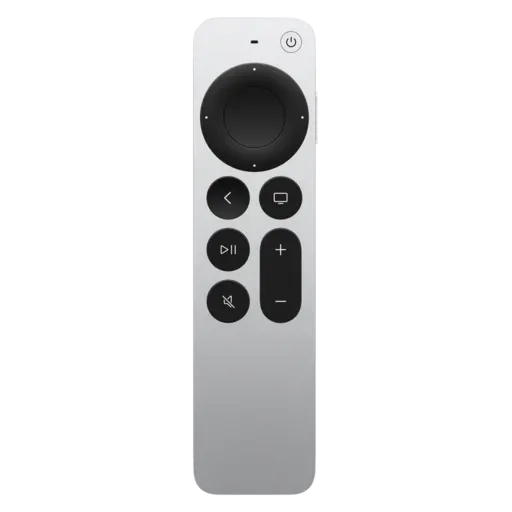
ATV Remote is a simple menubar app that lets you control an Apple TV from your desktop. It runs in the menubar, where you click the small remote icon to open it, and right-click for more options. The first time you run the app, you pair it with an Apple TV, and you can pair with more than one. Pressing Cmd+Shift+R opens the app from anywhere (Win+Shift+R on Windows).
Keyboard keys are mapped to remote controls while the application is open. For example, Return or Enter selects, and Delete opens the Menu. Holding Option (Alt on Windows) shows which characters are mapped to which buttons. Long-press buttons are also supported to simulate long presses on the remote.
The app can be installed with Homebrew (brew install atv-remote), or the macOS and Windows versions can be downloaded from the project's GitHub releases page. It is built with pyatv and packaged with electron-builder, and it is released under the MIT license.
What's new
All release notesHomebrew cask atv-remote 2.2.1 (sha256 0f3cfca6a7cc68261ff302f7b5163cfd9b8b6cc6c30417580c0d537a35c84629).