About
M3Unify is a file exporter and M3U playlist creator for macOS. It copies songs from your music library to a location you choose, such as a separate folder, an external drive, a USB thumb drive, or an SD card, so you can load them onto a portable or car audio player the way you want. You can also archive playlists and audio files to a folder, volume, or portable media. Tracks dragged from the Music app or the Finder can be copied to a selected folder.
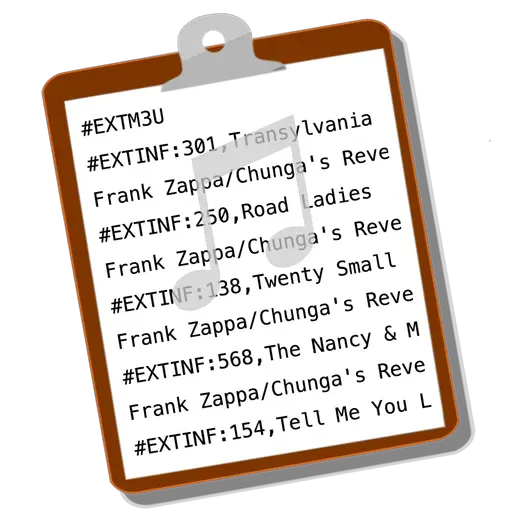
M3Unify offers several options for organizing exported files. You can create Album or Artist/Album sub-folders based on track tags, rename copied files using substitution patterns based on those tags, and export album artwork as "folder.jpg" files, one per Album sub-folder. Files can optionally be converted to AAC or MP3. It can also import Playlist XML files and create M3U playlists with Extended track information formatted from tag-based substitution patterns. A preview, track information, and file inspection are included.
M3Unify requires macOS 12 or later and does not work with Microsoft Windows. A free demo is available, limited to 15 tracks at a time. A registration code costs $5, and it is free for registrations purchased on or after October 1, 2024. Older registrations can be upgraded for $5.
What's new
All release notesHomebrew cask m3unify 3.0.0 (sha256 093714e18978c2fb8c5a2704ba66932d99dbc8137bed2802cdb677842e1f9c0b).