
FlowDown
flowdown.aiChat with OpenAI-compatible and local AI models
Fold your MacBook screen to mute audio, pause media, and go dark.
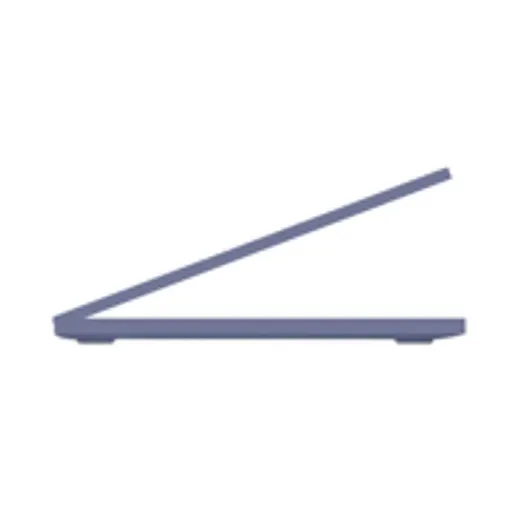
ScreenFold is a free Mac app that reacts when you fold your MacBook screen past a set angle. Folding the screen instantly mutes your audio or pauses any playing media, and dims the display to zero brightness. Tilting the screen back restores brightness, so you can pick up where you left off. It's useful when someone walks into the room and you want privacy, or when you're on a call and want to give the person speaking your full attention.
You can set the exact fold angle that triggers the action, and a built-in hysteresis prevents the app from flickering when the screen sits near the threshold. If you prefer, you can blur the screen or part of it instead of dimming it. ScreenFold is lightweight, can launch automatically at login, and runs silently in the background. It requires macOS 14 Sonoma or later and a MacBook with a Lid Angle Sensor, which includes all 14" and 16" Apple Silicon MacBook Pros and MacBook Air M2 (2022) or later. The app is free with no subscription or account, and it offers a pay-what-you-want option.
Chat with OpenAI-compatible and local AI models
Manage and clear cookies and browser data across browsers
A Mac screen that follows the sun, adjusting automatically through day and nigh…
Control brightness and color temperature for every monitor from your menu bar.
Silence embarrassing notifications while you screenshare on Mac.
Privatus: browser cleanup that runs automatically on Mac.
A Mac menu-bar app that learns the brightness you prefer from your corrections.
Mutes your Mac's speakers and pauses music when headphones disconnect.
Hide your desktop clutter and notifications before every screen share.