OrbStack
orbstack.devRun Docker containers and Linux machines on a Mac
Find and kill whatever is hogging your dev ports, from the menu bar.
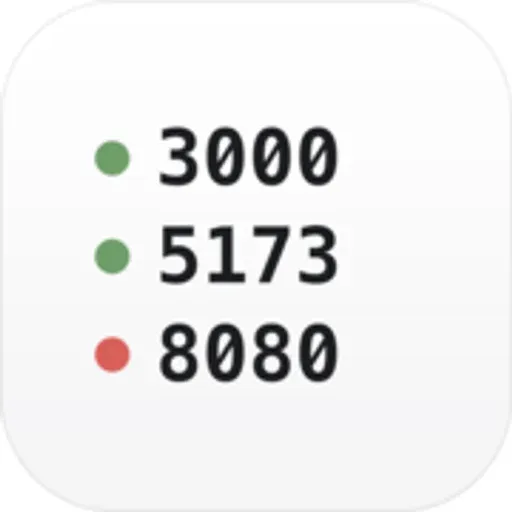
Port Monitor is a Mac menu bar app that lists every process running on your development ports, showing the command, PID and the project folder it was started from. When a port is taken and you see "address already in use," you can click the × next to a process to stop it, or use Kill All to clear the list. Killing sends SIGTERM first and falls back to SIGKILL if the process ignores it.
By default it watches ports 3000 to 9999, and you can change this to single ports, lists or ranges in Settings, as well as exclude ports you don't want to see. Common macOS services such as AirPlay and Control Center are excluded out of the box. It also shows processes started by tools like Claude Code, Cursor and Codex. Port and process data is read locally and never uploaded.
The app is available with a free 7-day trial that requires no account or card. After the trial, listing continues but killing requires a one-time license purchase of 4,99 €, which covers all future updates and use on all of your Macs. It requires macOS 26 or later and runs on Apple silicon and Intel.
Run Docker containers and Linux machines on a Mac
The easiest way to get started with PostgreSQL on the Mac
Search offline API documentation and manage code snippets
Git notifications from multiple forges on your menu bar
Launch iOS and Android emulators from your Mac menu bar
Track GitHub CI, issues, PRs and releases in the menu bar
Open-source, local-first notch control center for your AI coding agents
Your Claude Code and Codex companion, living in the notch.
Use your Claude, ChatGPT, and Gemini subscriptions in AI coding tools.